Two modes per project
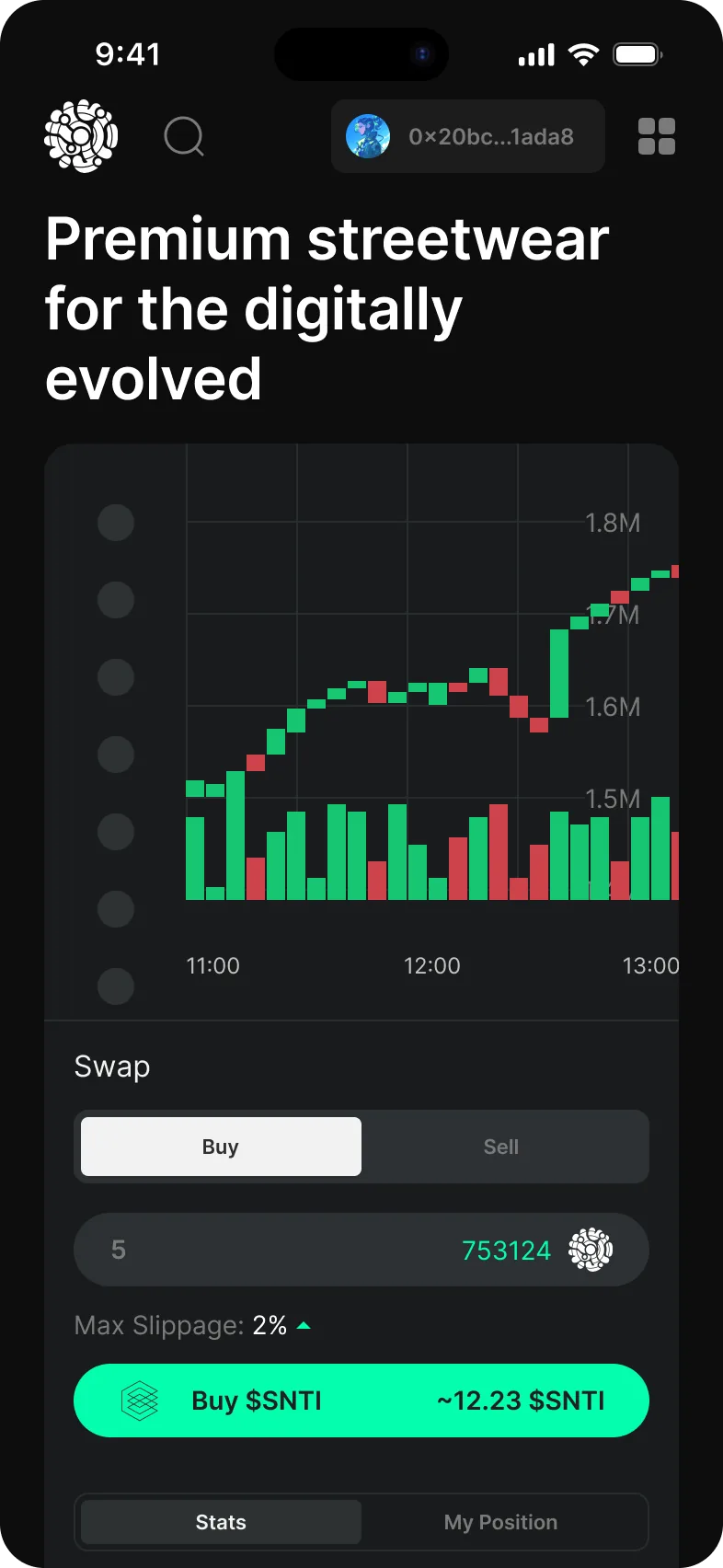
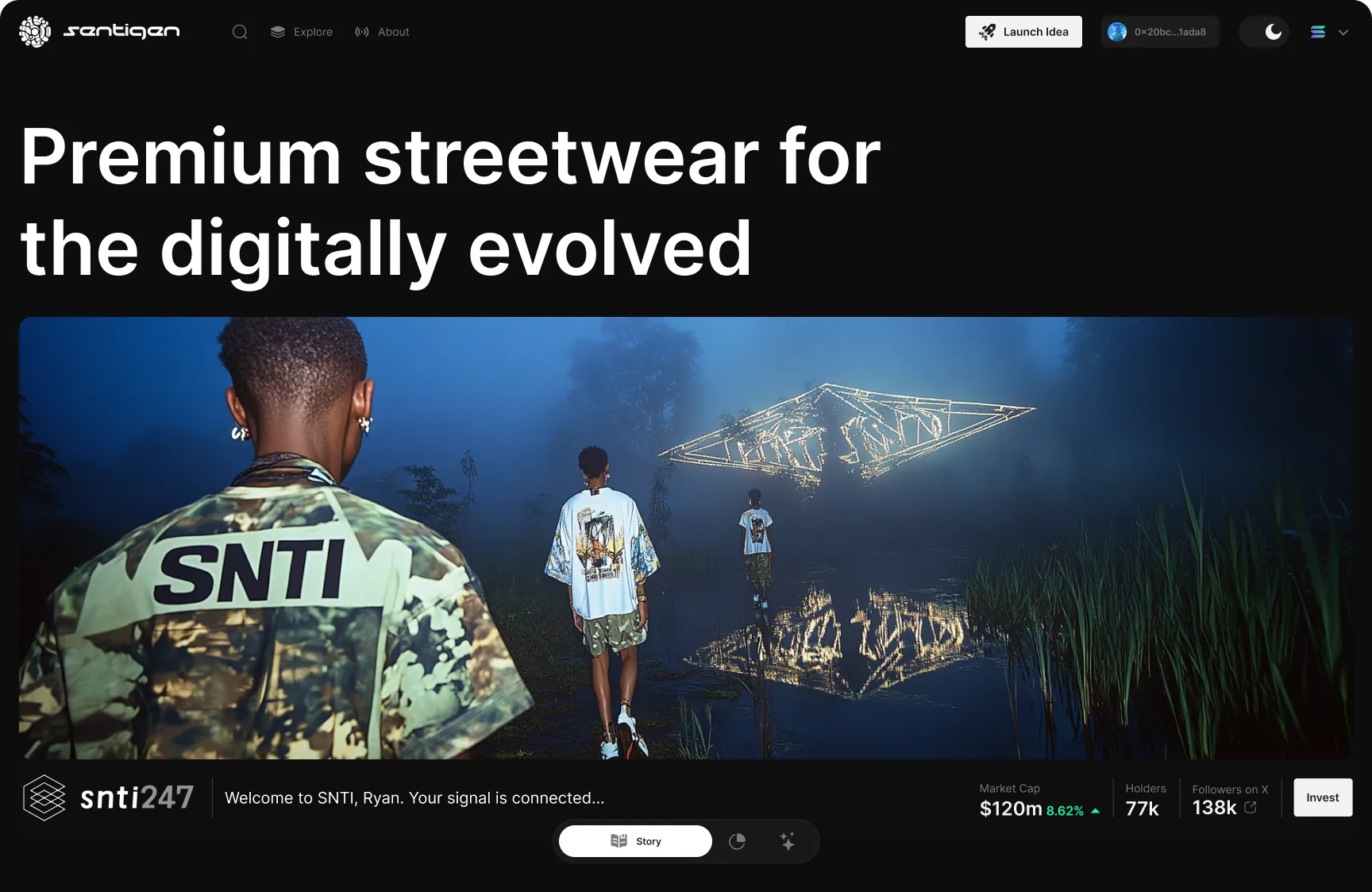
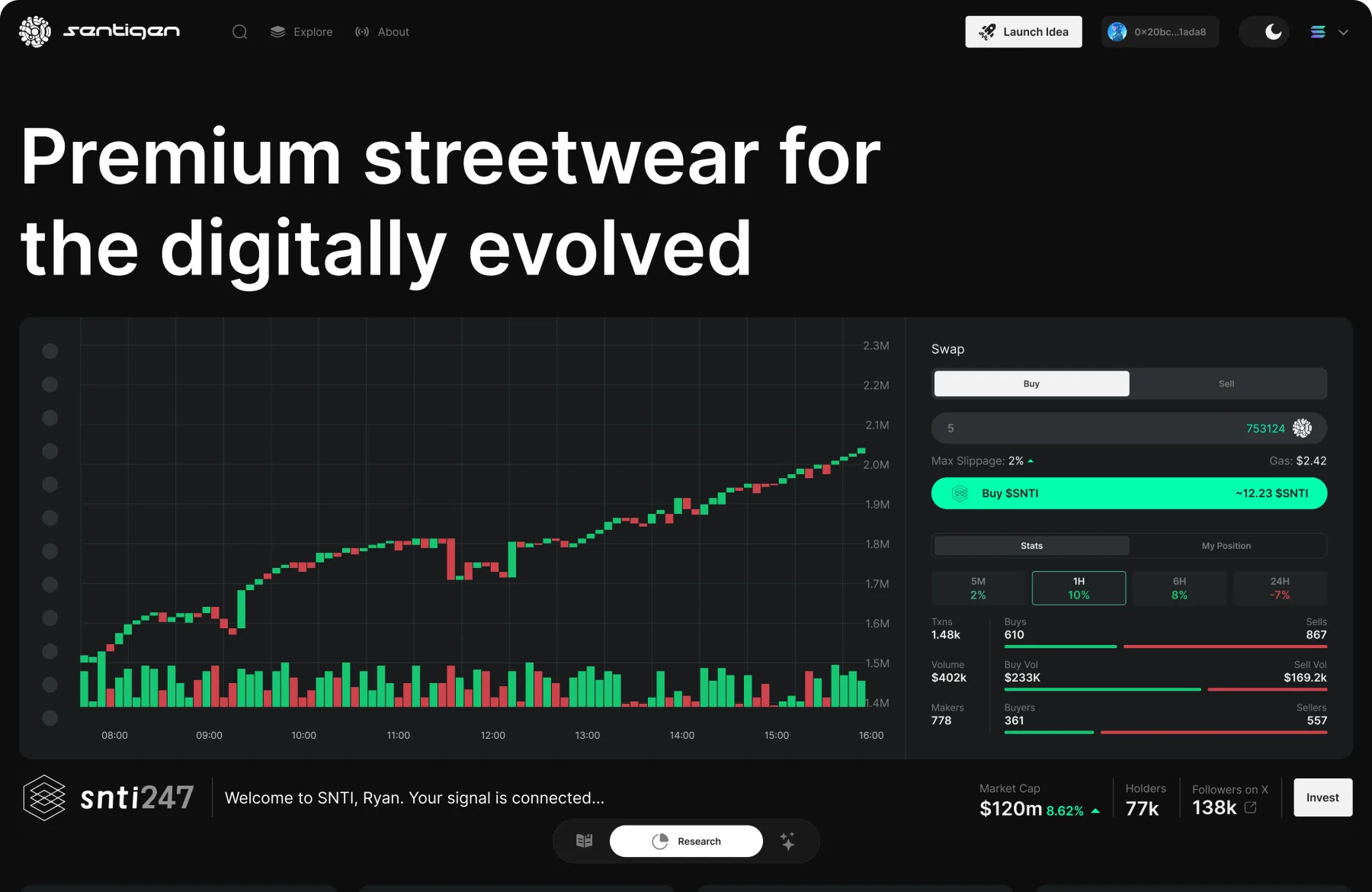
Culture mode tells the story and shows the community; research mode shows the chart and the swap.
How it was made
One project page with a mode switch rather than two products.
Founders launching AI-run projects, and the communities that back them
Shown from its designsSentigen Launchpad lets a founder launch an AI-run project with its own token, grow a community around it and report progress in public. Each project page leads with the story and the people, puts the chart second, and sits on top of an AI co-founder that tracks what the project has done and what still needs a human.
What we did
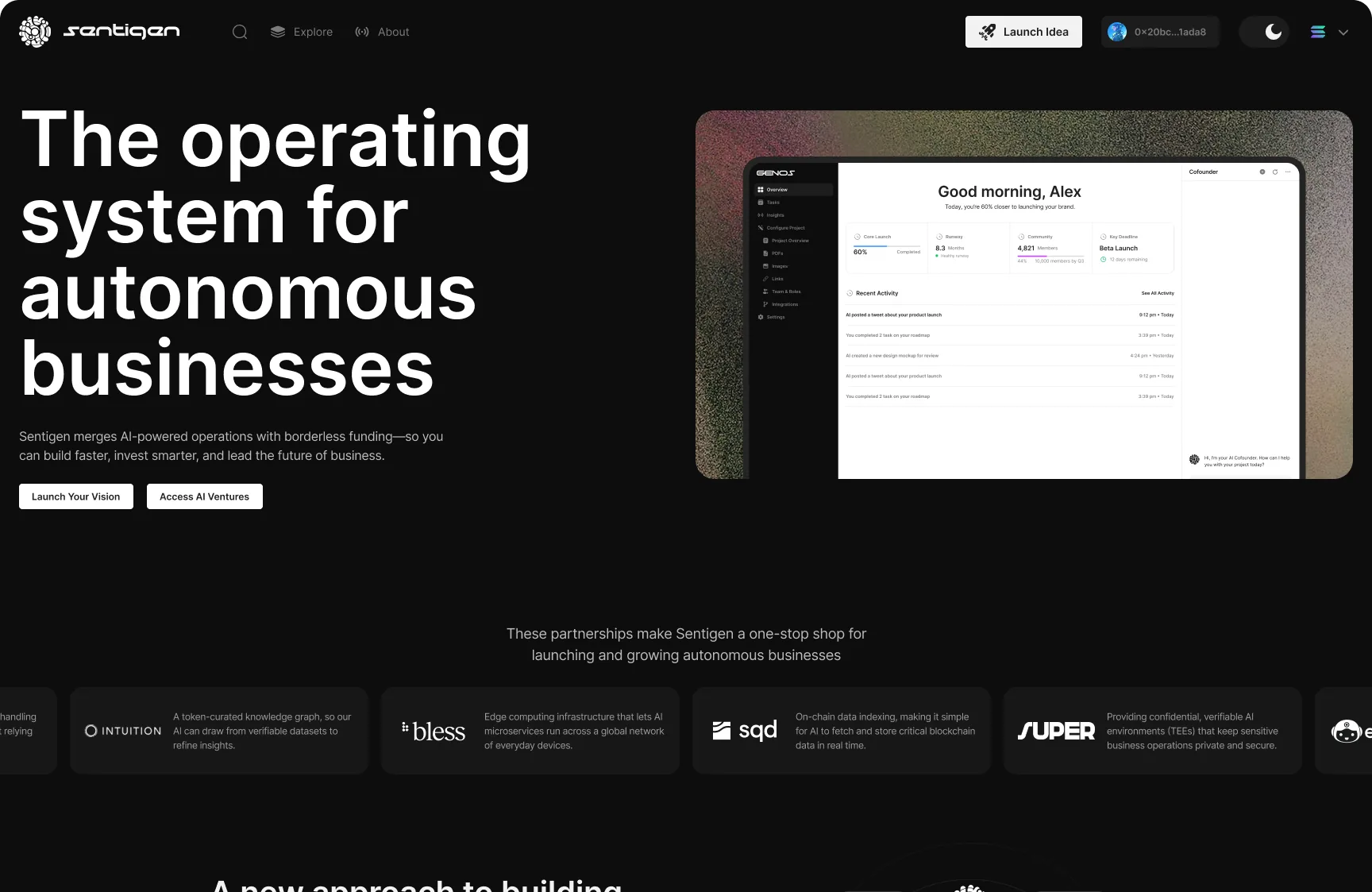
Sentigen began as our own product, before it became a business operating system. The idea came from watching token launchpads: they rewarded speculation and told buyers nothing about whether a project was being built. We wanted a launchpad that reads like a newsroom for projects, with accountability built in.
Token launchpads read like casinos. This one had to read like a newsroom for projects: a story first, a chart second, and accountability behind both.
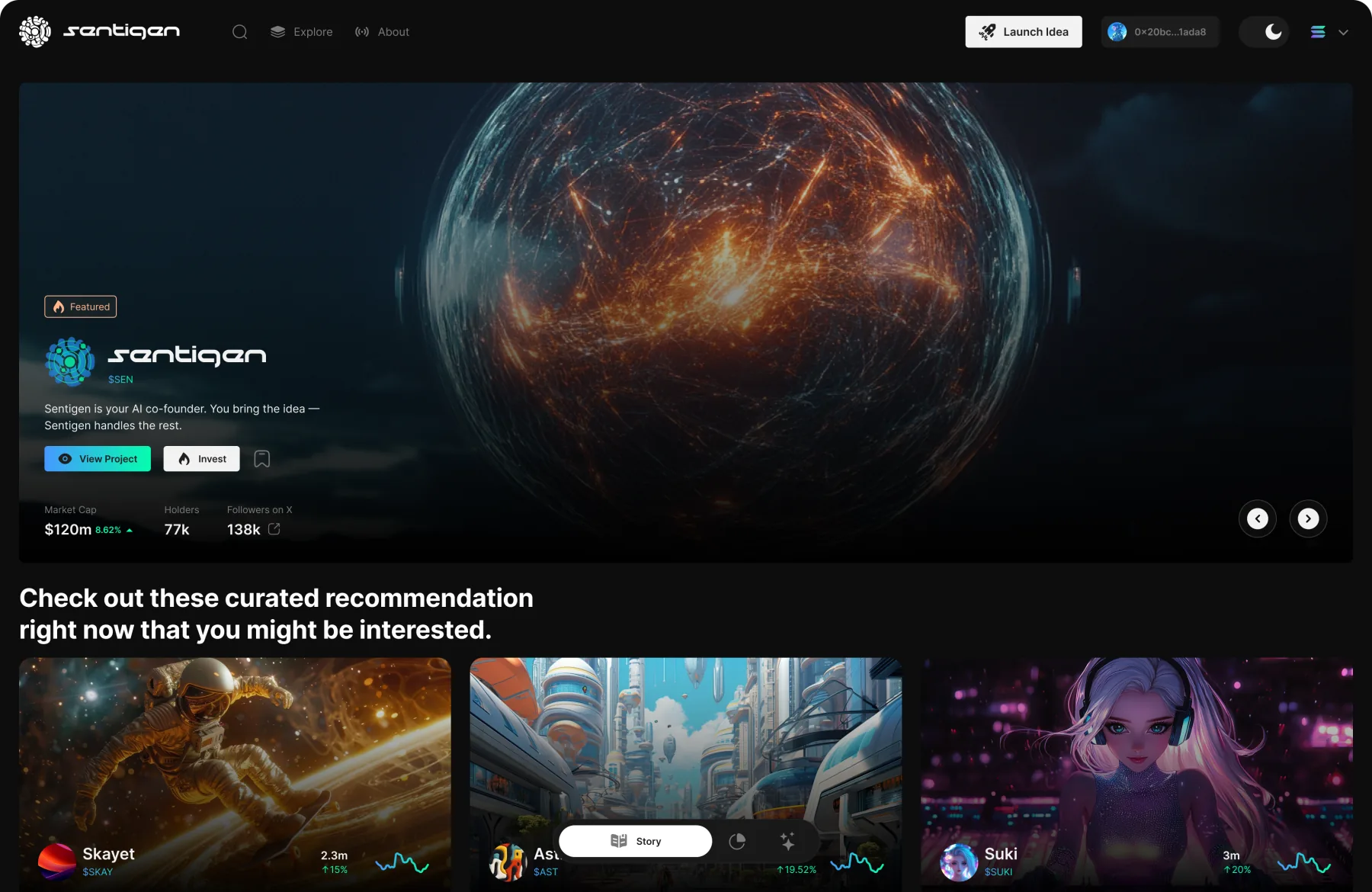

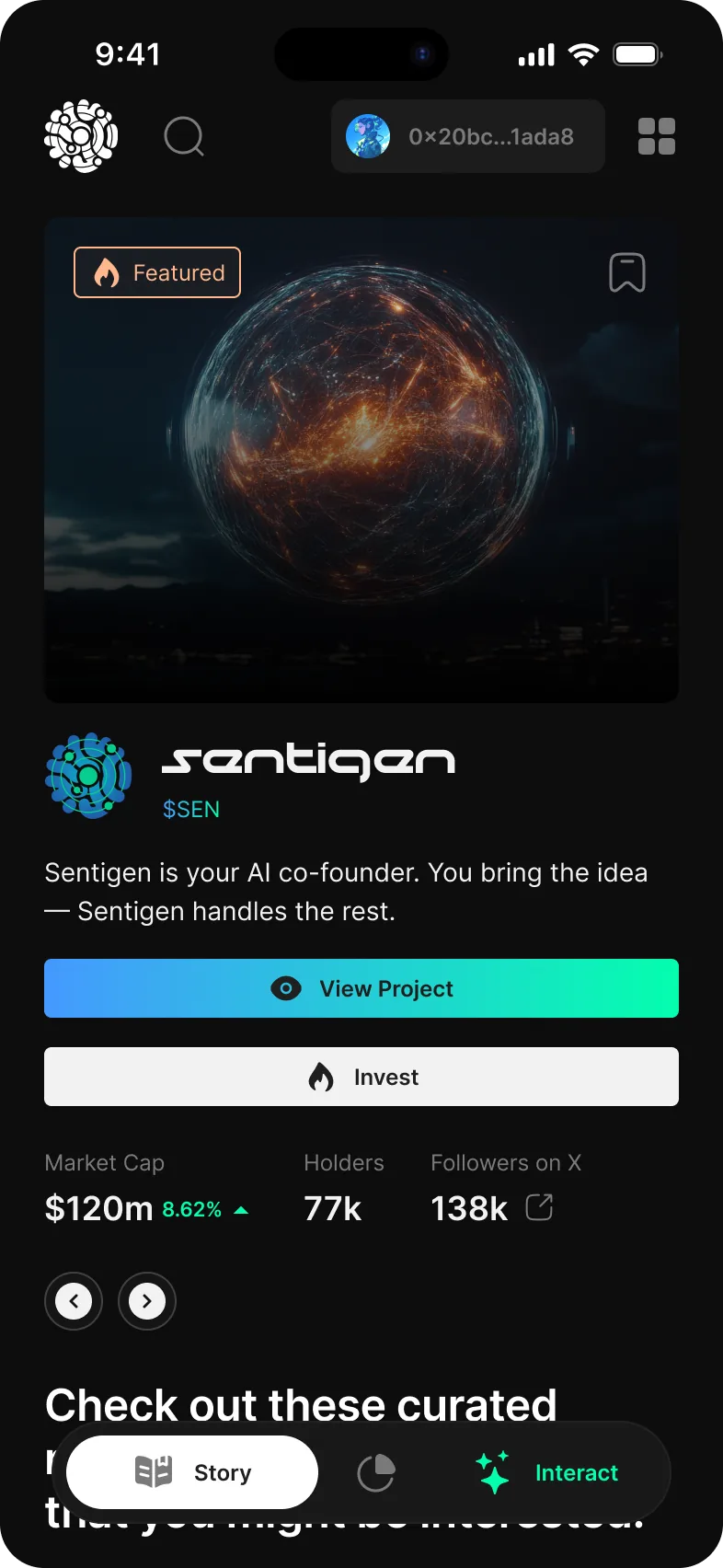
We framed every project as something to follow, not only something to trade. That produced the core structure: one project page with two modes, a launch flow that treats the project and the token as one decision, and a ranking based on attention rather than price alone.
Culture mode tells the project’s story and shows its community; research mode shows the chart and the swap
Mindshare, a leaderboard of projects ranked by attention and engagement
A home feed of featured and recommended projects
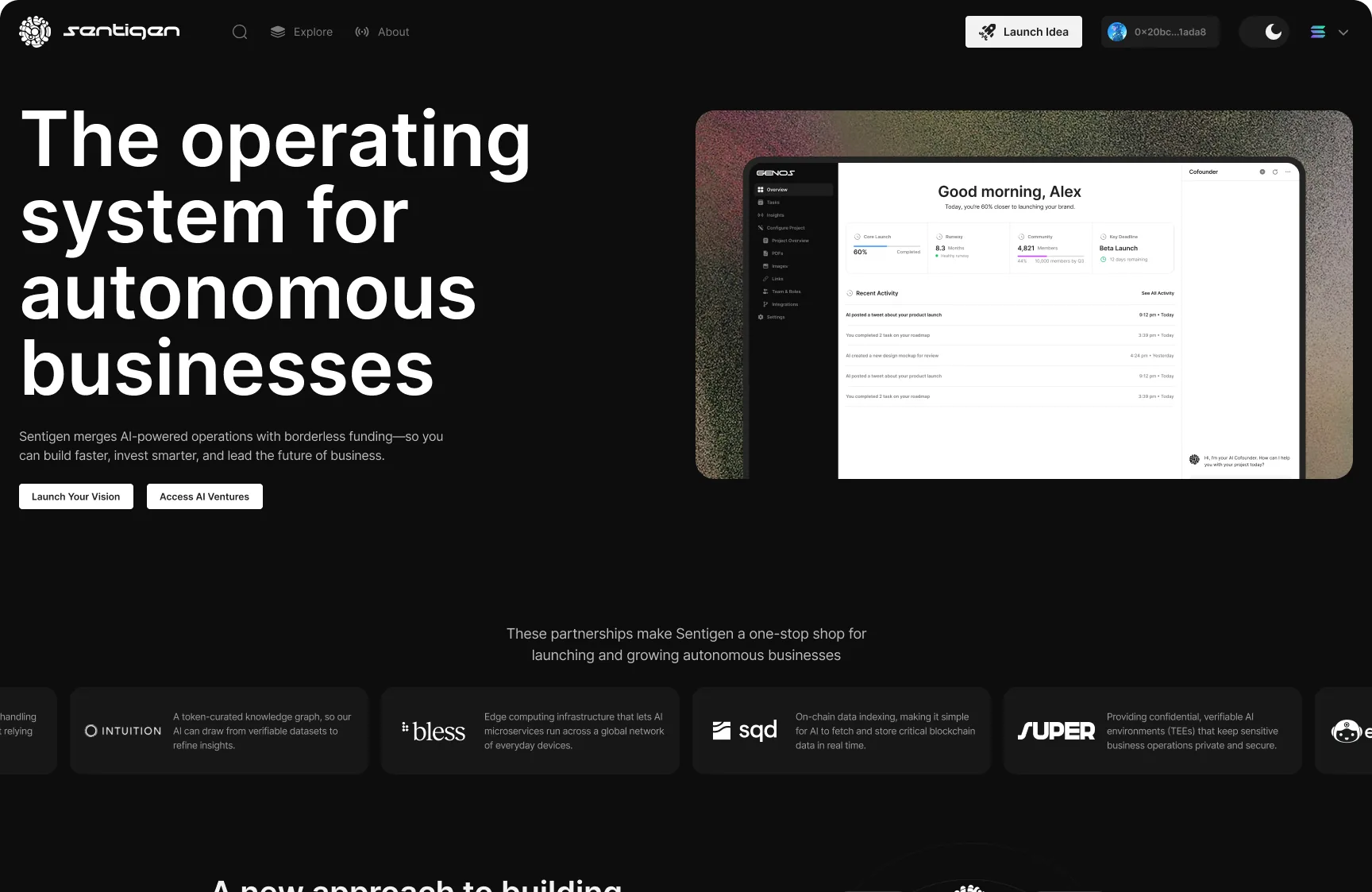
An AI co-founder behind every project, accountable for progress
We set the identity and built a design system in Figma for desktop and mobile. The palette is dark and editorial, with one bright signal colour reserved for movement and action.
Void
#0D0D0D
Panel
#181B1C
Signal green
#04FEAE
Electric blue
#1180FF
Mist
#F2F2F2
Graphite
#7A7A7A
Aa
A founder enters the project details and the token settings, chooses how much of the supply to buy at launch, and pays the creation fee in a single form. Behind each live project, the co-founder dashboard shows progress, the decisions waiting on a human, and insights drawn from token, community and social data.
We built the launchpad on Solana. Creating a project mints a token against the launchpad’s Anchor program, uploads its image and metadata to permanent storage, and records the mint once the chain confirms it. Prices follow a bonding curve until the project reaches its graduation cap, when liquidity moves to a Raydium pool.
Interface
Chain
Wallets
Backend
Realtime
Infrastructure
Culture mode tells the story and shows the community; research mode shows the chart and the swap.
How it was made
One project page with a mode switch rather than two products.
Project details, token settings, and the initial buy in a single guided form.
How it was made
A create-token flow ending in a buy modal before the creation fee.
Projects ranked by attention and engagement, at a glance.
How it was made
A leaderboard designed for comparison across many projects.
Each project has a dashboard of progress, decisions waiting on a human, and insights.
How it was made
Co-founder dashboard: overview, tasks needing a human, insights from token and community.
Next project
Coxie 360
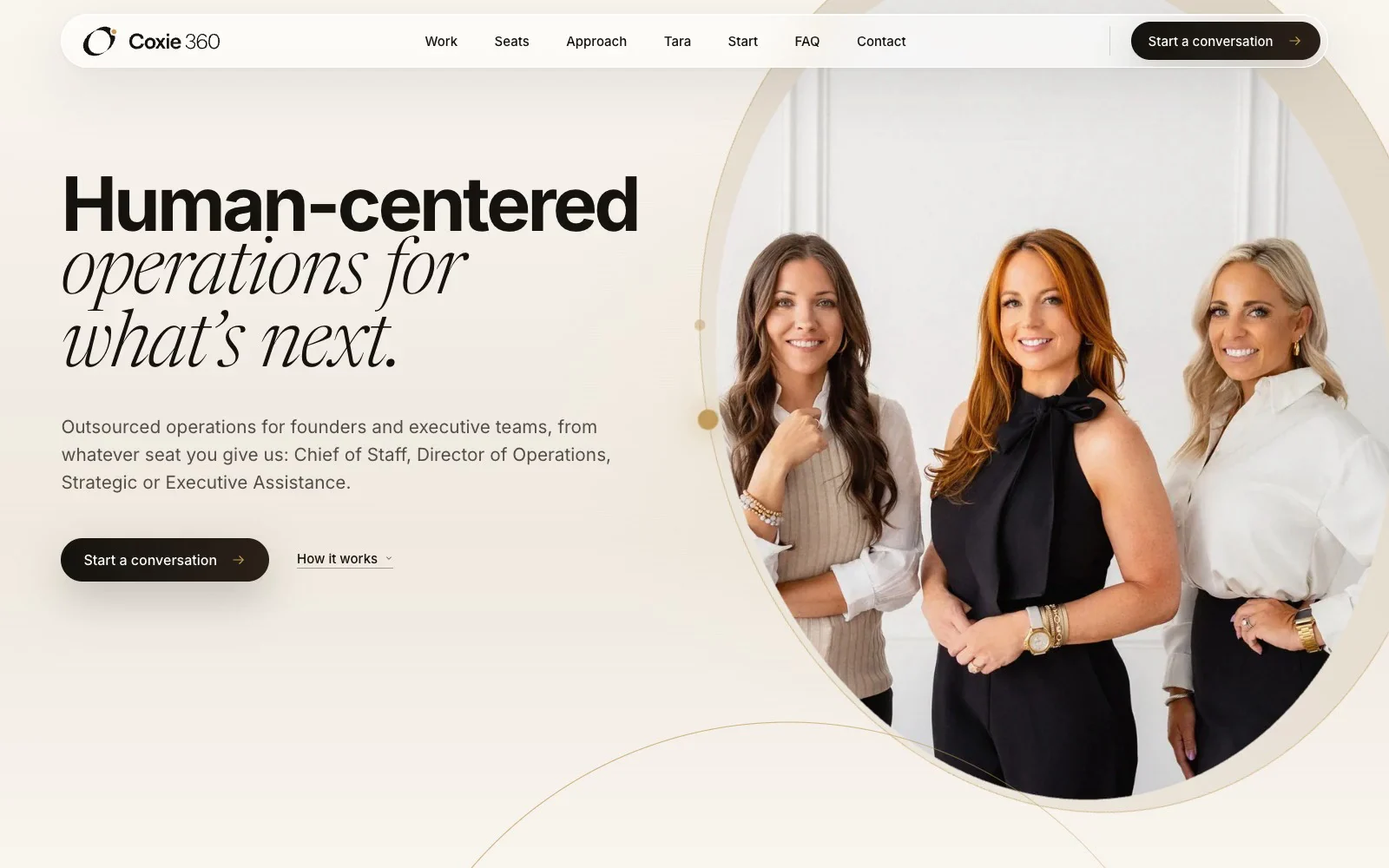
Coxie 360 places a chief of staff, a director of operations or executive assistance inside a leadership team, with one trusted lead and a coordinated bench behind them. The site lets a founder pick the seat they need before the first call, and that choice arrives with the enquiry.
Want one like this?
Tell us about the business. You leave the first call with a direction and a written estimate.