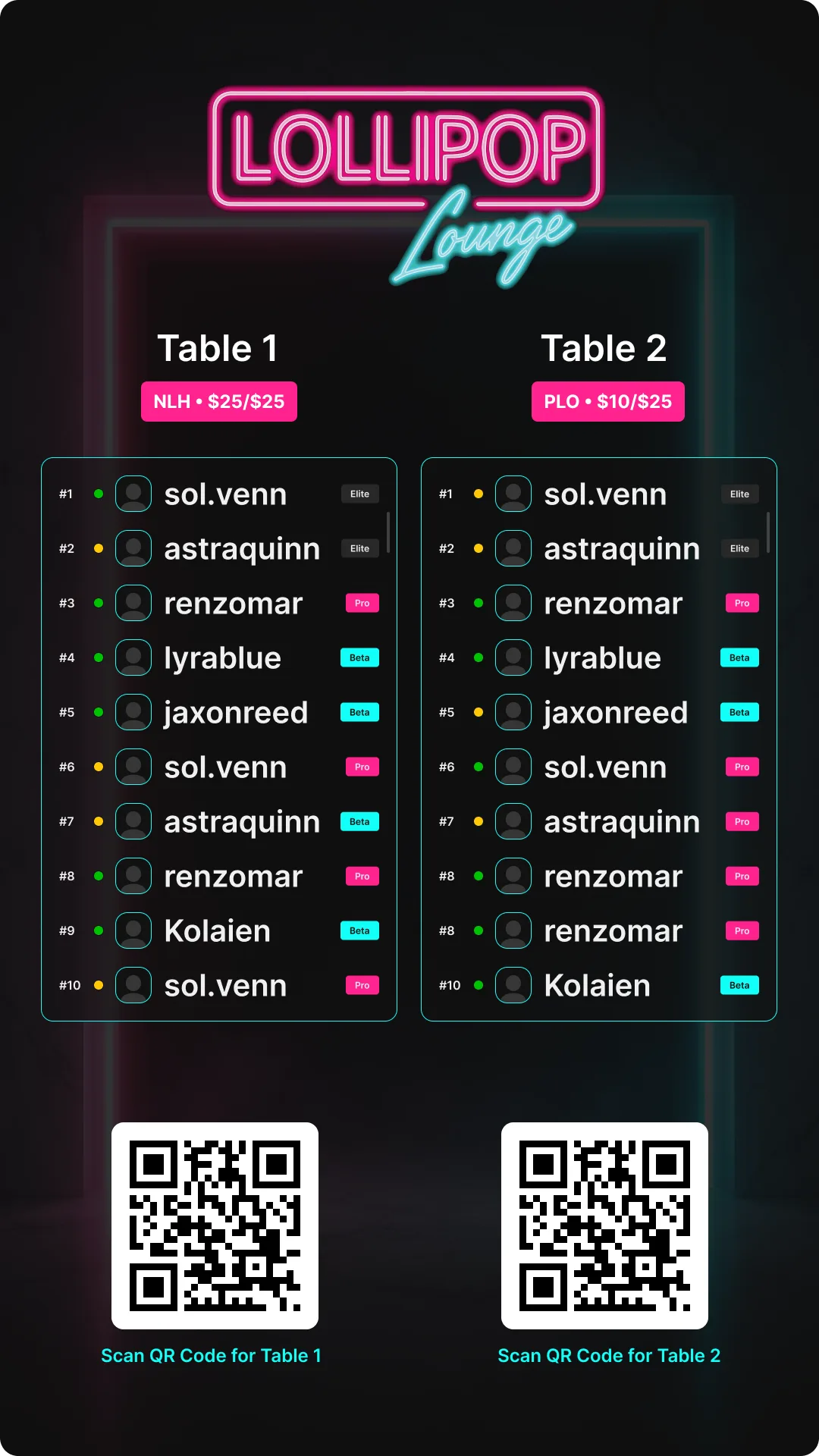
A table you can see fill
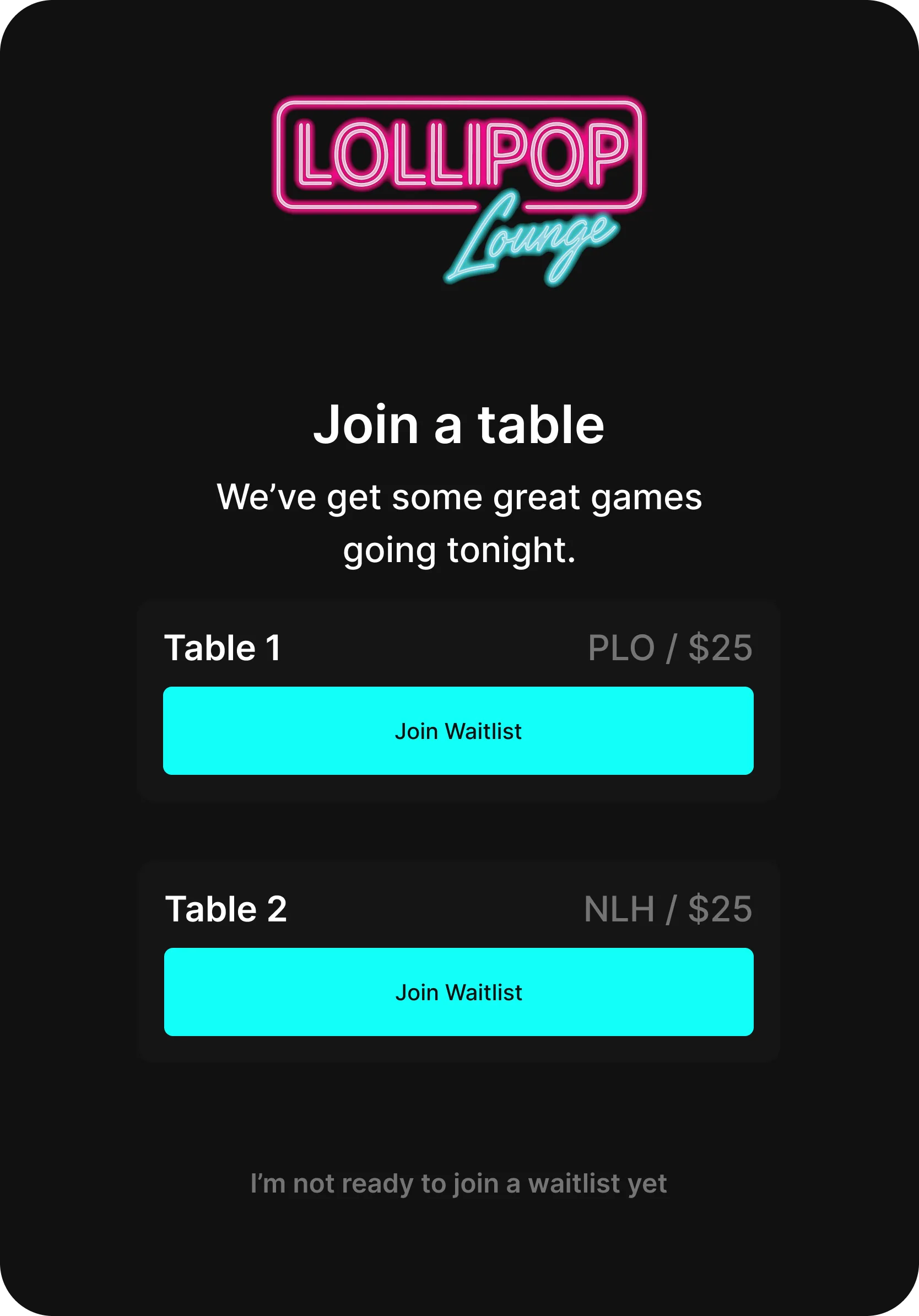
Members pick a numbered seat on a live table and watch who else is coming.
How it was made
Seat map designed as the primary navigation, not a list.
Members, dealers, and staff of a private Los Angeles poker club
lollipoppoker.comLollipop Lounge runs a private poker club from the phone in every member’s pocket. Members reserve a seat for the night, join the waitlist, and check in at the door; the host, dealers, kitchen, and bar each work from their own view of the same room; and a screen on the wall shows who is up next. It replaces the clipboard and the group text with one live list everyone trusts.
What we did
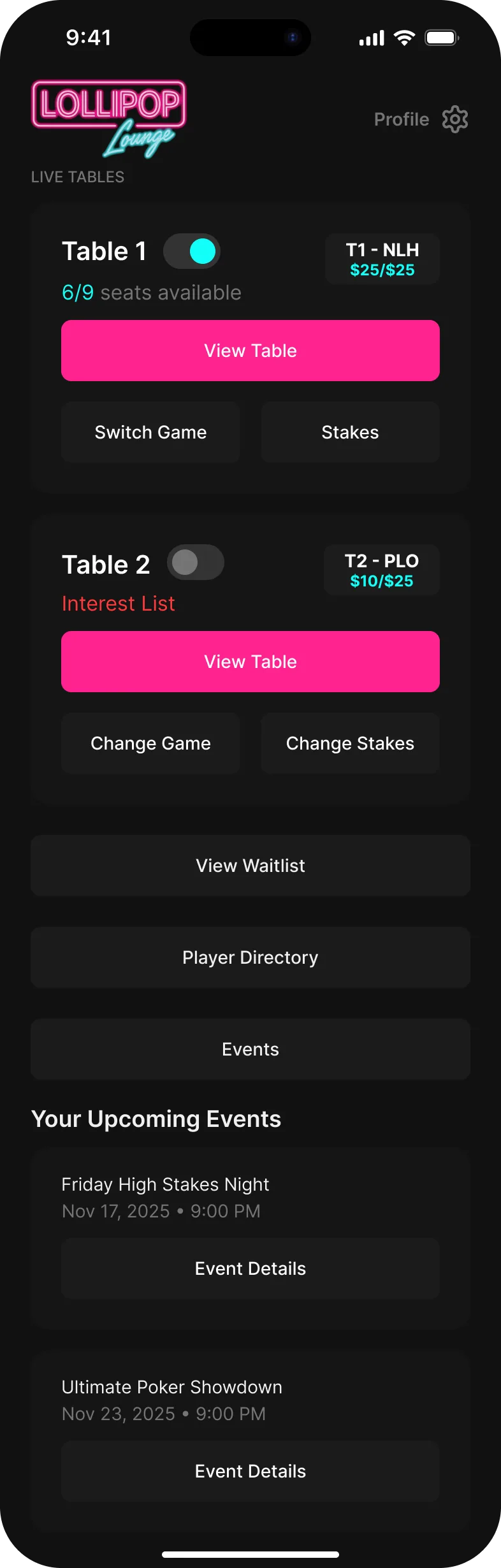

The owner arrived with a detailed spec, Figma designs, and an established neon look: white marble, pink and aqua glow. The club needed it turned into software that could carry a real game night, with membership tiers, ID verification, and staff tools, then kept improving week by week as the room used it.
A card room runs on a clipboard and a group text. The app had to replace both for members, dealers, and the host, without losing the feeling of walking into the lounge.
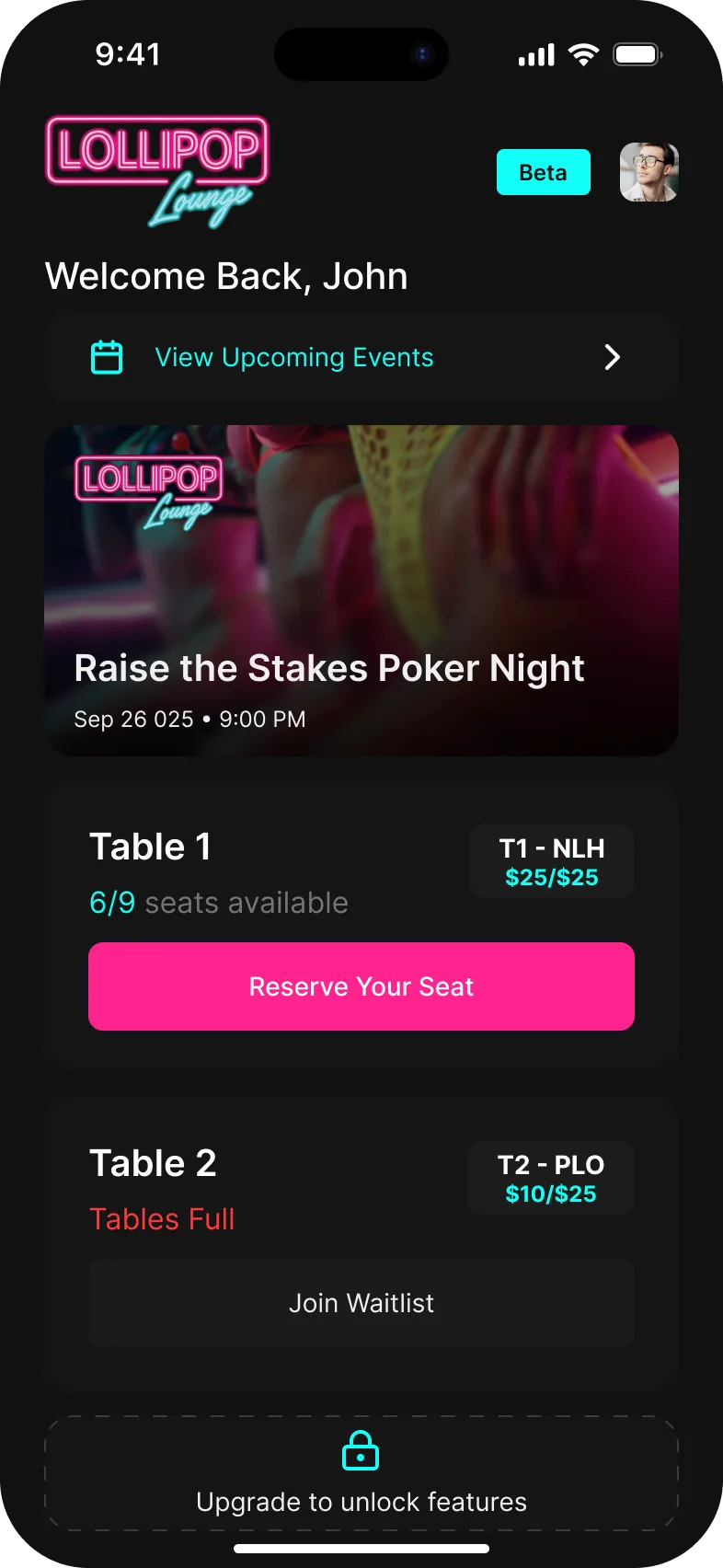

We shaped the product around the night’s single source of truth: who is seated, who is waiting, and who is next. Members, staff, and the wall display all read the same list, so nobody has to ask the host.
Nightly events with seat reservations and a shared waitlist
Membership tiers from free to Elite, with Elite gated on a complete profile and ID verification
A referral program for agents with sign-up and weekly bonuses per active player
Staff roles mapped to the real jobs in the room: host, dealer, chef, bartender, server
We built every surface a night touches. Members sign in by text code and pick a seat; an iPad at the door scans their QR card, takes the waiver, and seats their group; dealers and the host manage tables live; the kitchen and bar publish their own menus.
The waitlist moves without anyone touching it. Realtime subscriptions push changes to every screen, and a scheduled job releases unclaimed reservations to the waitlist minute by minute. Memberships bill through subscriptions with identity checks before an upgrade.
Interface
Data
Payments
Messaging
Infrastructure
The app is live at lollipoppoker.com and runs the club’s weekly games as an installable web app. Changes ship from what the owner and staff see on the floor, behind flags until the room is ready for them.
Neon pink
#F82088
Rim teal
#70B8B8
Felt night
#101010
Rail
#181818
Chalk
#F8F8F8
Members pick a numbered seat on a live table and watch who else is coming.
How it was made
Seat map designed as the primary navigation, not a list.
Show the code at the door and the seat is yours.
How it was made
QR check-in that confirms the reservation and seats the player in one step.

Dealers run the table from the same app: who is seated, who is waiting, who is next.
How it was made
Role-based views for member, dealer, and admin from one design system.
An upgrade path with benefits members can see before they pay.
How it was made
Membership tiers designed into events, reservations, and seating priority.
Next project
Kit
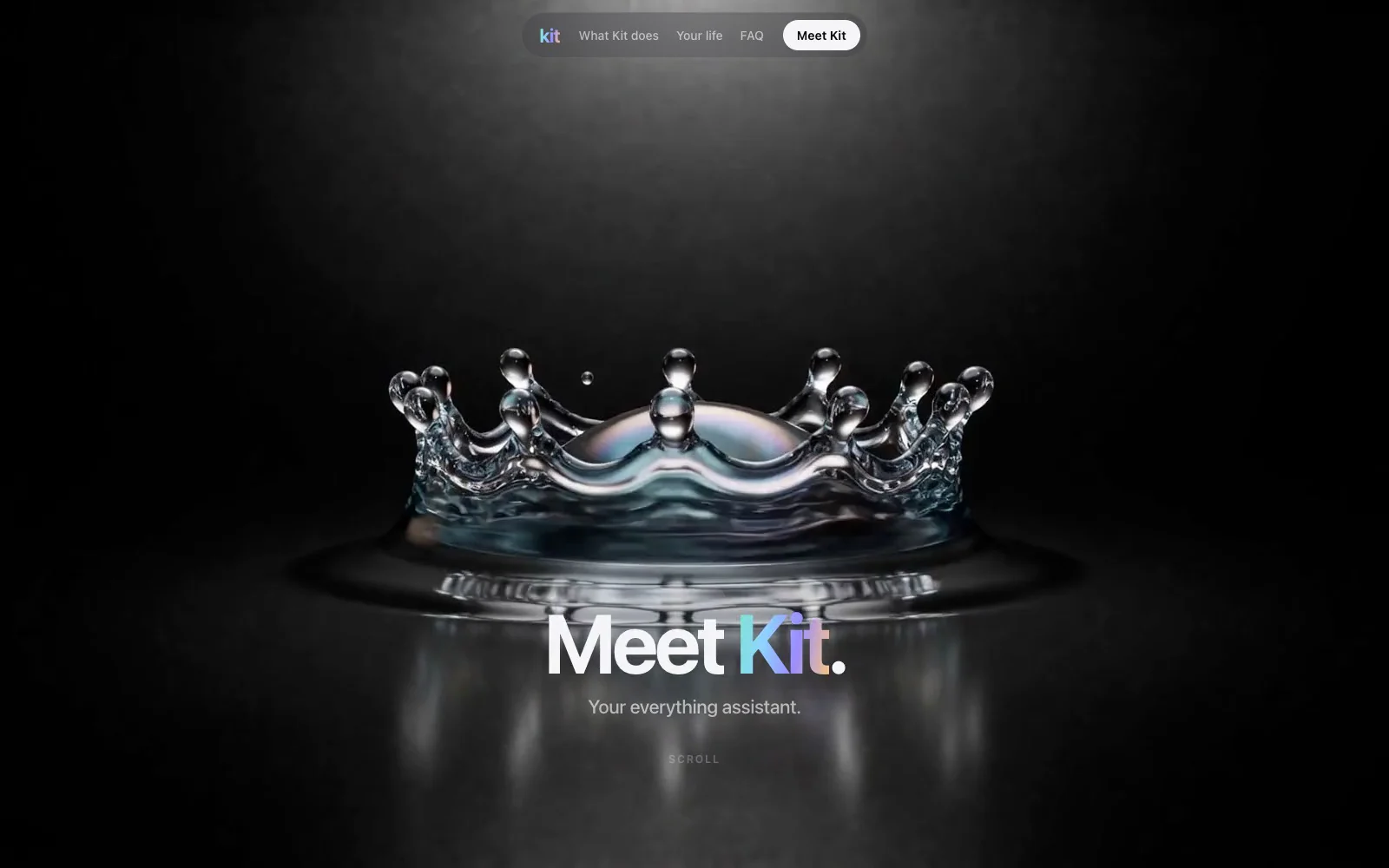
Kit is one AI that takes every shape: it handles a person’s day, serves a shop’s customers, and keeps the back office moving. meetkit.ai introduces Kit as a character rather than a feature list, a glass companion that follows the reader down the page and changes color for each thing it does. The idea is that you meet someone before you hire them.
Want one like this?
Tell us about the business. You leave the first call with a direction and a written estimate.